How Can We Help?
Live Map on your Phone (Premium Feature)
This is a Premium Feature for all Fan and Angel Patrons
The Live Map shows all Trucky players on the world map and it’s currently available for Euro Truck Simulator 2 ALL DLC, American Truck Simulator ALL DLC + Promods Canada, Promods Europe + Middle East + Great Steppe + Maghreb.
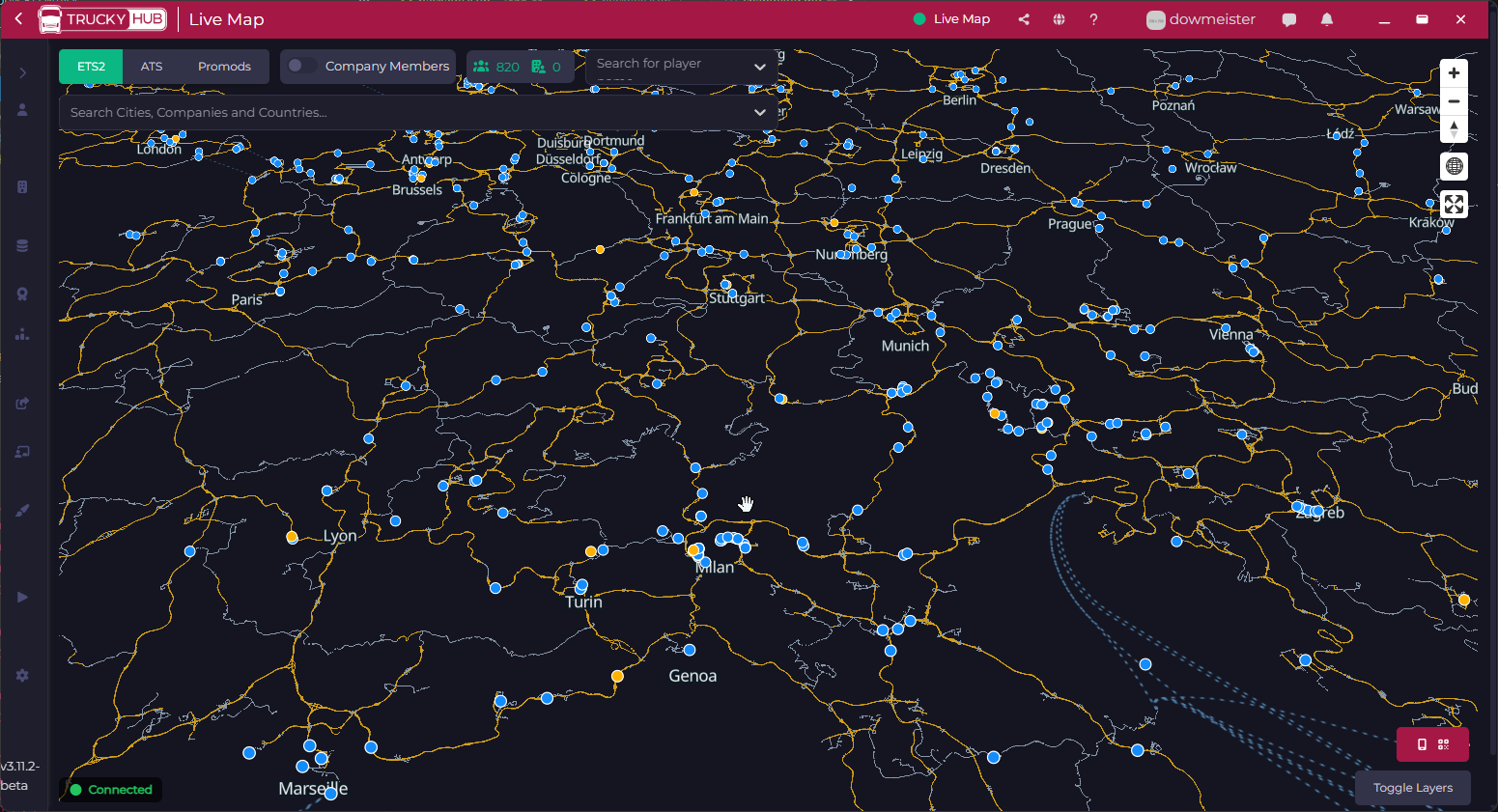
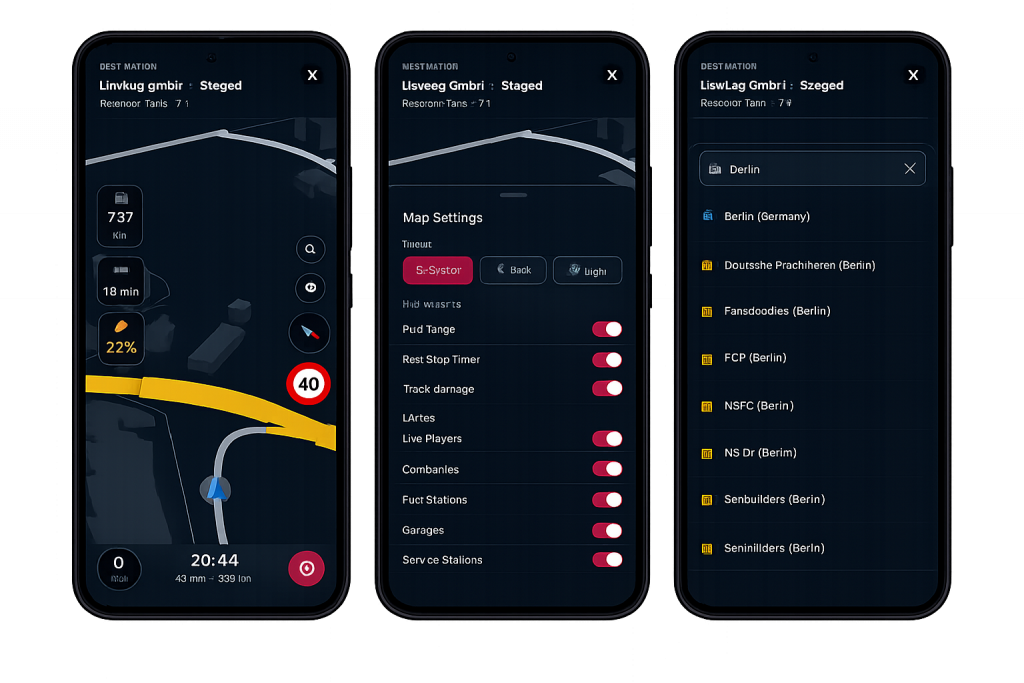
Drive with the Live Map on your Phone
- Prepare your PC and network connection: the computer and the mobile device must be on the same network and must be capable of talking each other.
- Download the app Trucky Dashboard on your mobile device


3. The QR Code Dialog shows a QR Code that can be shoot directly from the Trucky Dashboard mobile app that will configure automatically the app to connect to the computer with the preferred IP address.
To access the QR Code Dialog, click on the button located on the bottom right corner of the Live Map
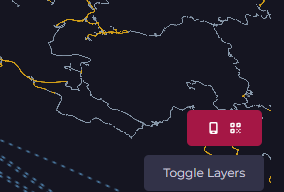
All your IP addresses are shown there in the dropdown list so you can choose the correct IP based on your network settings.
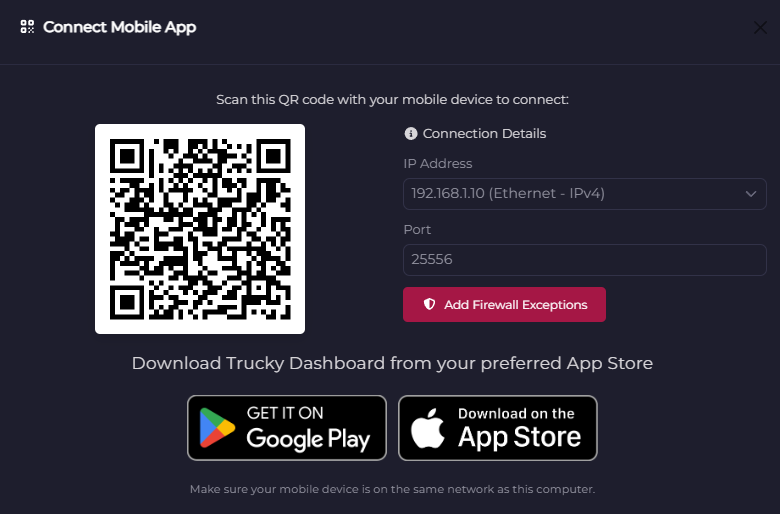
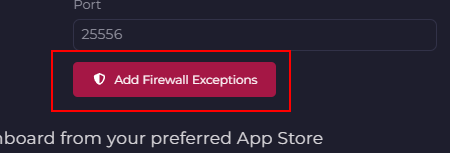
Hint: if you have issues configuring your computer to be able to talk with the mobile app, use the “Add Firewall Exceptions” button to add Firewall rules to your system allowing Trucky to be contacted from the local and external network.